AI proposed
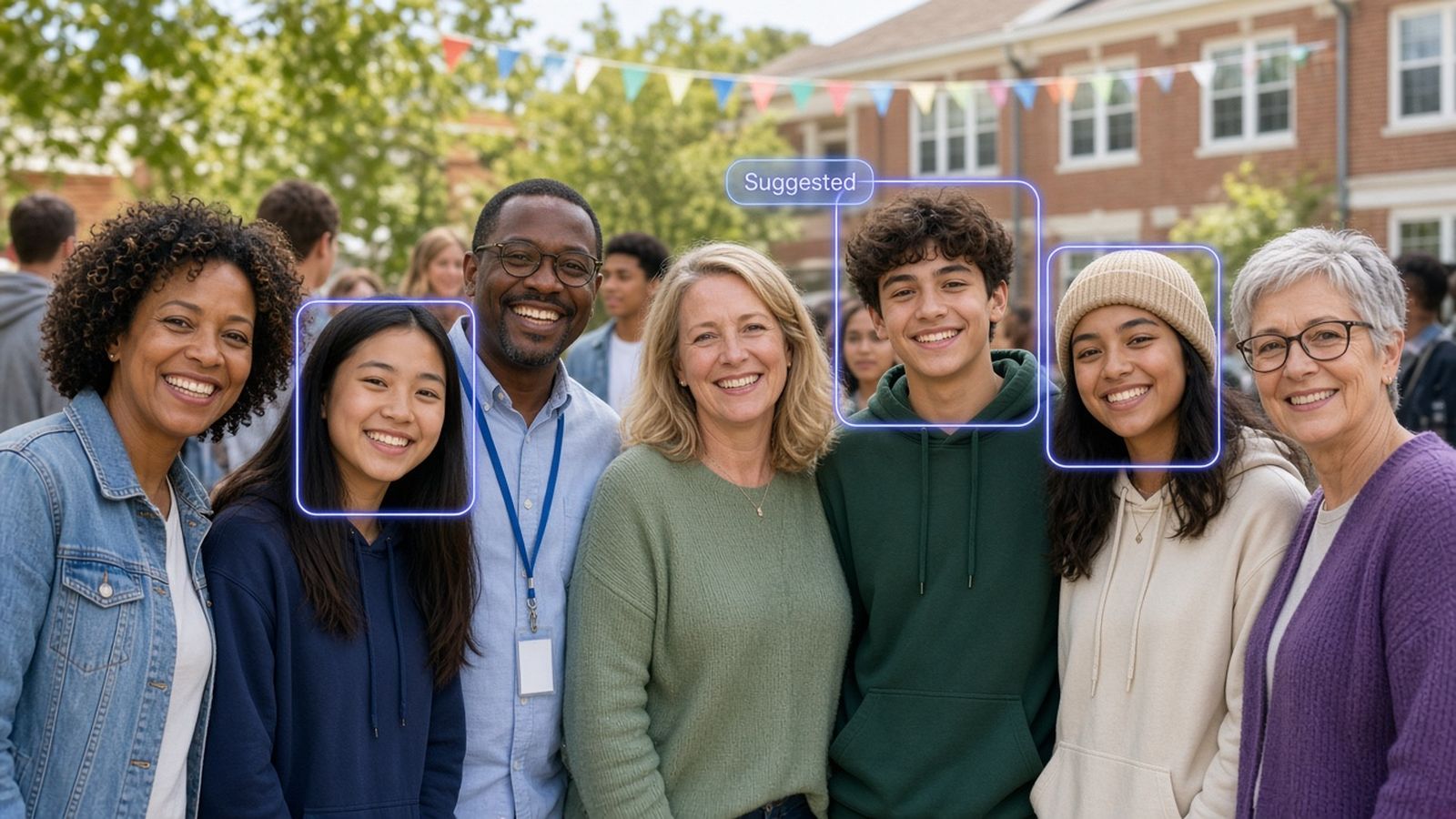
Alex M.
Suggested · 87 (illustrative demo score, not live accuracy)
Upload once, let AI propose matches, and give each attendee a private gallery of only the images they appear in—after you review.
Alex M.
Suggested · 87 (illustrative demo score, not live accuracy)
Open-core · Admin review before guests see anything
Three steps from upload to guest-ready galleries.
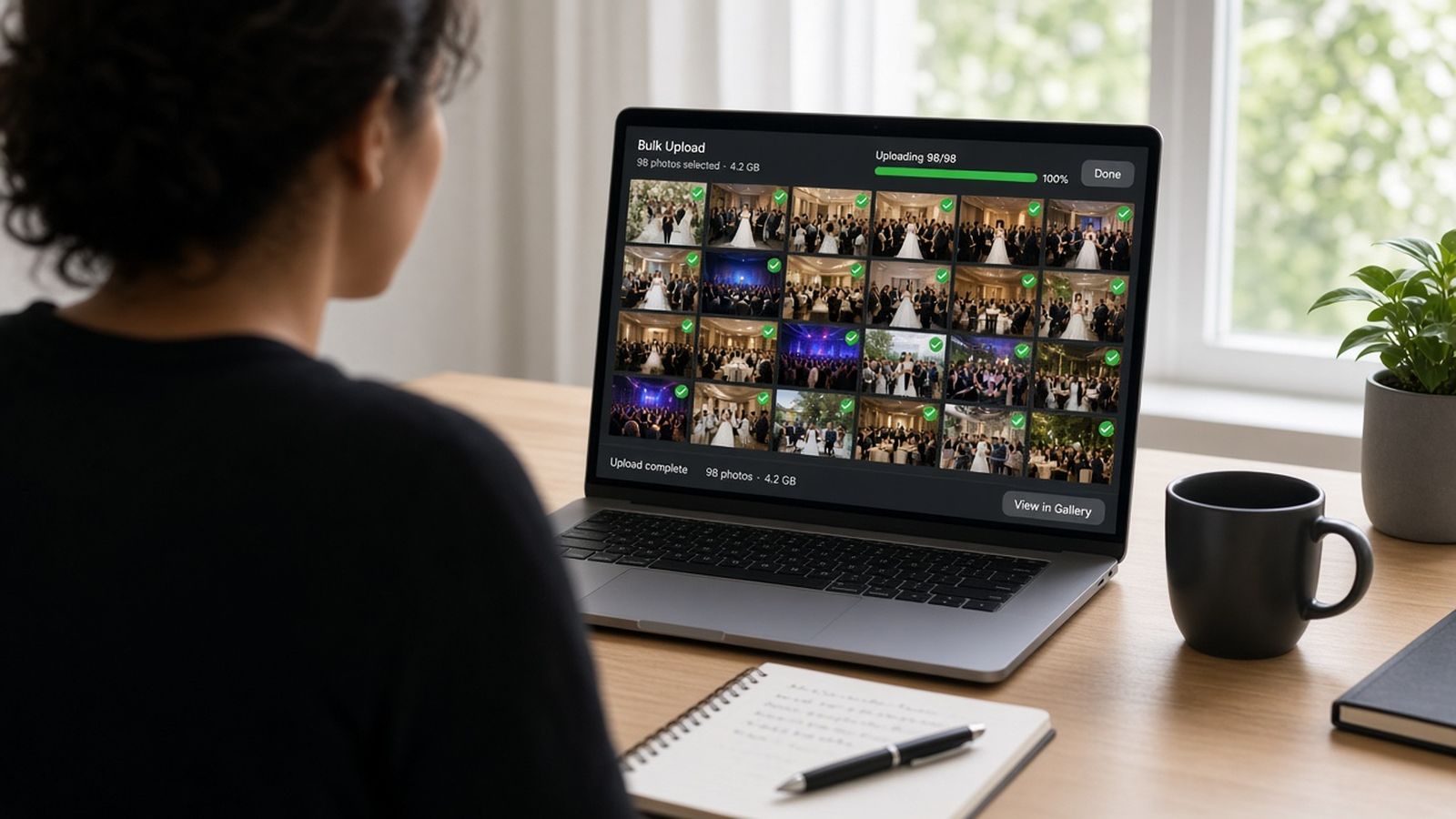
Organizers create an event and bulk-upload crowd shots from weddings, conferences, or school days.
Face detection finds guests and suggests tags. Admins review each person before anything goes live.
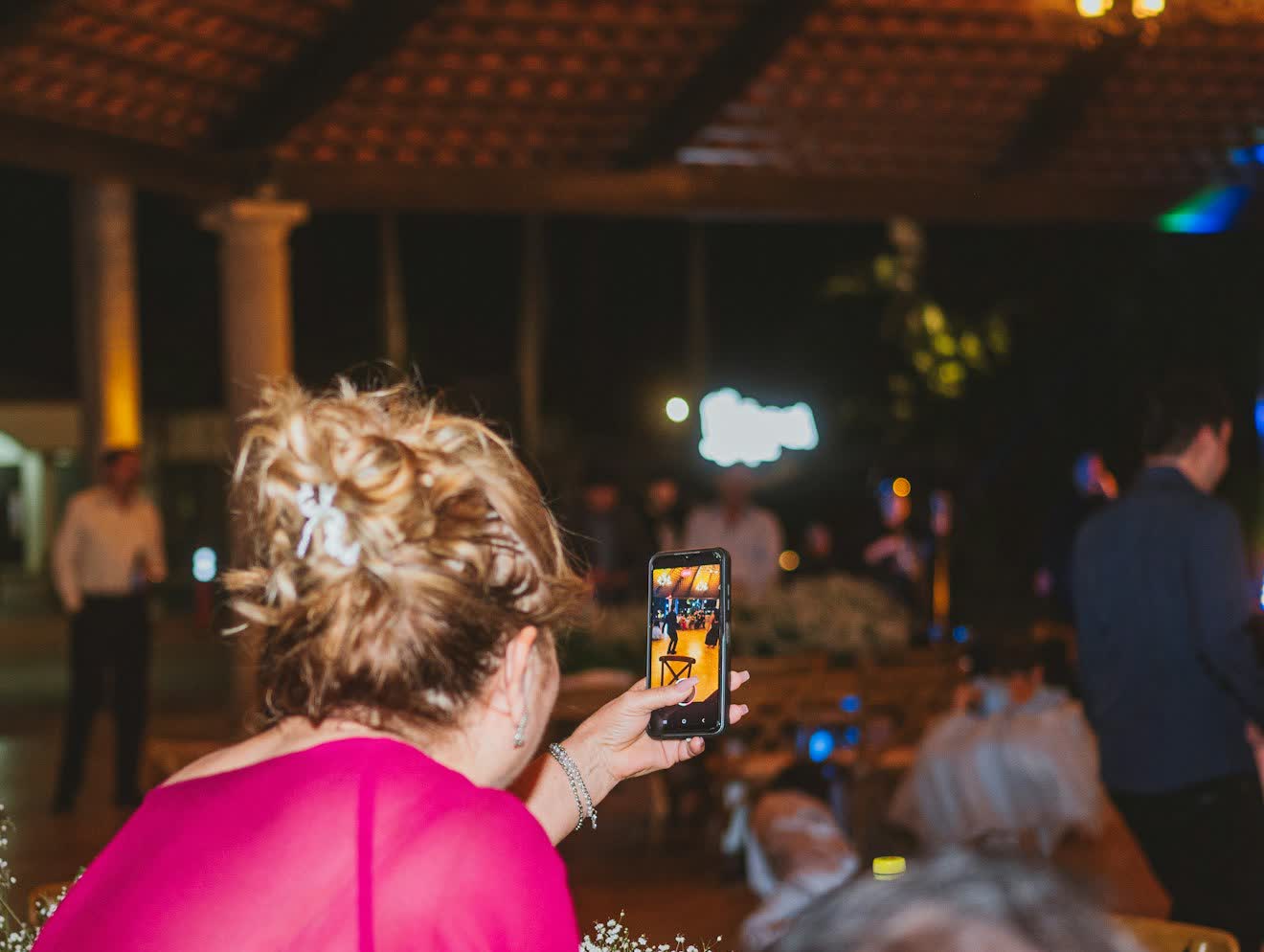
Attendees register with selfies and see only the photos they appear in—browse, fix mistakes, download.
Matches stay suggestions until an organizer confirms. Guests never see a tag you rejected.
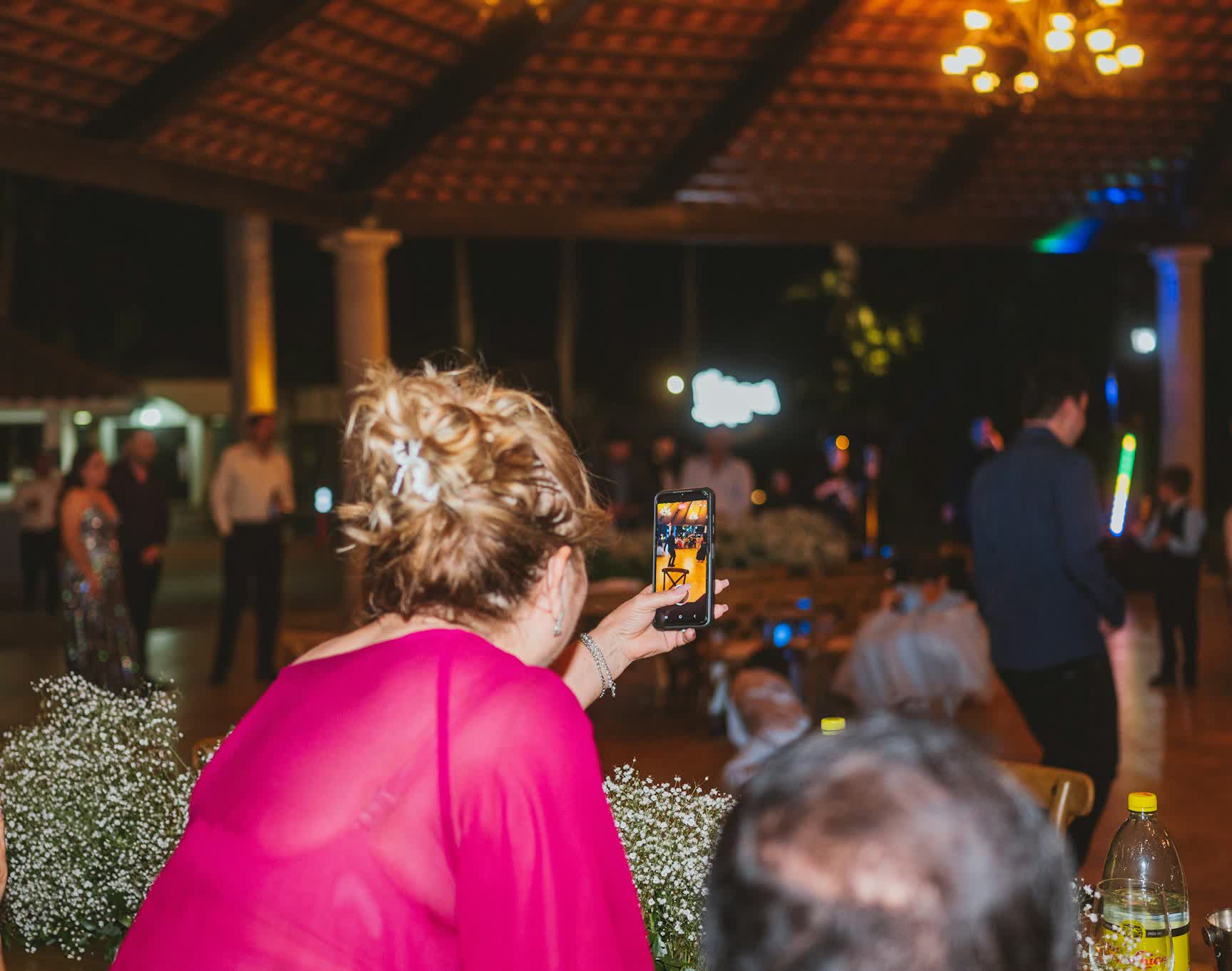
Face detection finds guests in each upload. You confirm or reject before anything appears in attendee galleries.
Automation where it helps. Human judgment where it matters.
Confirm or reject every proposed tag. Wrong matches stay out of guest galleries.
Rejections and “not me” feedback are remembered so reprocessing skips bad pairs.
Selfies and galleries are scoped to the event. Guests never browse the full album.
Up to five profile photos per guest improve accuracy across lighting and angles.
From upload to guest delivery—no spreadsheets, no manual face hunting.
Drop dozens of event images at once and process them in the background.
See names, emails, and match scores. Confirm, reject, or add someone manually.
Removed tags teach the system. Re-run matching without losing confirmed work.
Guests flip through their confirmed shots with keyboard-friendly navigation.
Organizers choose whether attendees can save originals from their gallery.
Registration accepts several reference photos for tougher lighting conditions.
Quick answers for organizers and guests.
When guests register, we extract face embeddings from their selfies and index them for that event only. Uploaded event photos are scanned for faces and compared against those embeddings. Suggested matches go to organizers for approval before guests see anything.
Yes. Selfies are used only to match you within the event you joined. Other attendees cannot browse your selfie or photos you are not tagged in.
Open your portal and use “Not me in this photo.” That removes the image from your gallery and helps the system avoid suggesting you again on that shot.
No. Organizers share a registration link for your event. Open that page, add your details and selfies, and you are set—no codes to type.
Organizers manage uploads and tagging in the admin dashboard. Attendee downloads are optional and controlled per event by the organizer.
Set up your event in the admin dashboard, or register with the link from your organizer.